01
Bring your image
Capture a sketch, import a photo, or start with the artwork already in your library.
 Tactura
 transforms 2D artwork into 2.5D reliefs, entirely on your iPad. From first image to printable mesh, your work stays with you.
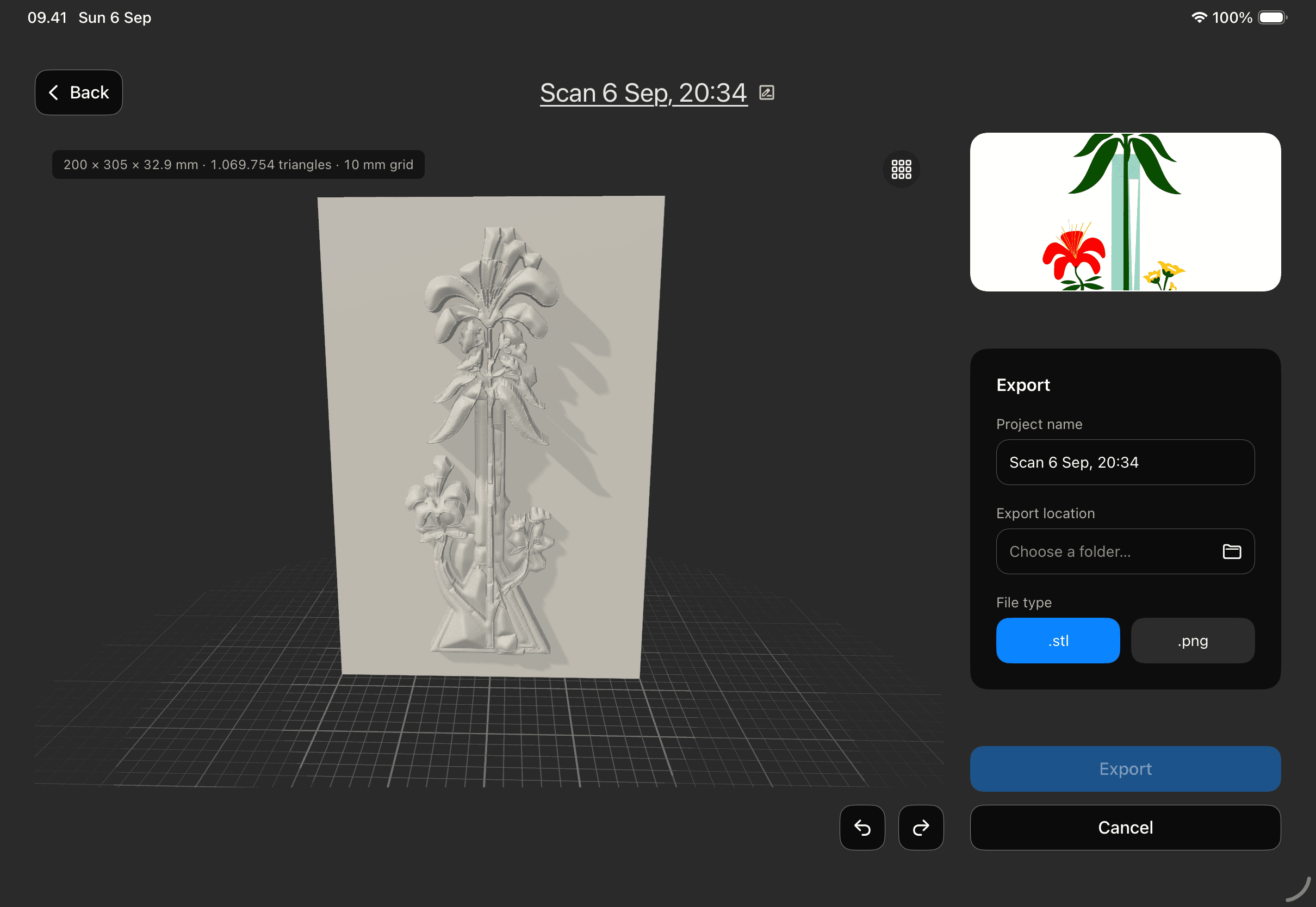
A relief you can explore.
Drag to turn. Scroll or pinch to get closer.
 01 / THE ORIGINAL IMAGE
Explore the relief in 3D
 03 / MADE TANGIBLE
A photograph is a surface. A relief is a memory you can hold.
Tactura is a focused conversion studio for iPad — designed to help illustrators, makers, and curious people discover what their flat images can become.
Explore the workflowEvery stage stays close at hand. No upload queues, no black boxes in the cloud.
Capture a sketch, import a photo, or start with the artwork already in your library.
Tactura reads the image on your iPad and turns visual cues into a sculptable depth map.
Refine the result, preview the relief, then export a printable model when it feels right.
Tactura has no servers, no accounts, and no networking code. The AI model and the complete relief pipeline run locally on your iPad.
Read the Privacy PolicyYour source image and project files remain in the app’s private storage.
No analytics, ads, crash reporting, or third-party data collection.
Airplane Mode does not change the core workflow.
Tactura is built around printable reliefs. Export your finished model as a standard STL, or export a height image as a PNG for other workflows.
No. The app is designed to work offline, including image preparation, depth estimation, refinement, mesh generation, and export.
Anyone curious about giving artwork a physical presence — illustrators, 3D-printing enthusiasts, designers, and makers of all kinds.